
New
Slides and classroom games, made from your lesson plan
CMS Interactive turns each session of your lesson plan into slides for the projector, and the same lesson into review games your whole class plays.
Free for every teacher, November 2 to 15. What's in the trial
The sample needs no sign-in. CMS Interactive is inside Classroom Made Simple: choose Interactive in the menu on the left. Making your own slides is free for every teacher for now.
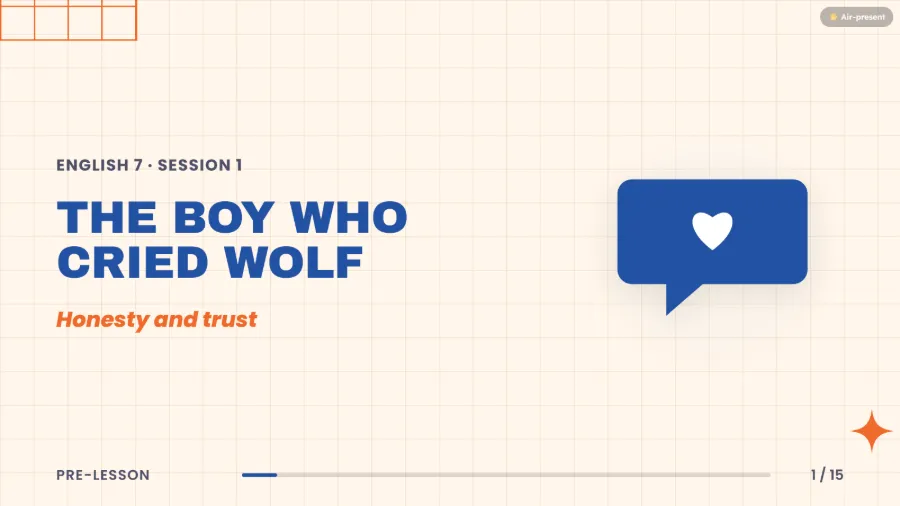
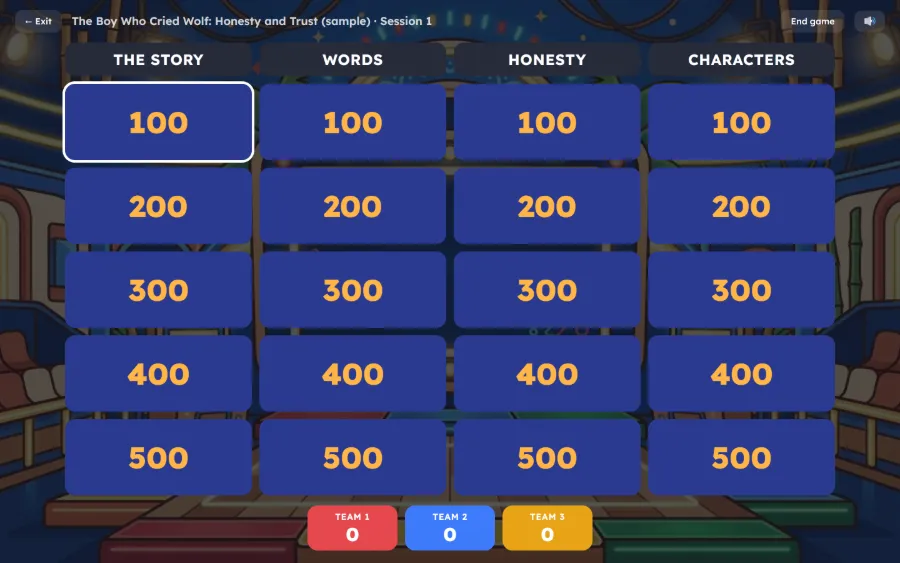
The free trial
All of CMS Interactive, free for every teacher, November 2 to 15
Live phone games, camera games and games you write yourself, with nothing to sign up for. Open Classroom Made Simple, in the app or your browser, then choose Interactive in the menu.
- The AI is limited
- The trial comes with 50 AI tokens to use by November 30, up to 10 a day. A session's slides take 3 tokens and a game takes 1. Slides and games you make yourself don't need tokens.
- After November 15
- Everything you made stays yours: slides, games and results. Live phone games and camera games need CMS Interactive again.
- School accounts too
- Teachers on a school account get the trial as well.
From lesson plan to game, in three steps
-
Start new slides
From a session of a lesson plan you wrote in Classroom Made Simple, blank (no lesson plan needed), or with a slide from the library.
-
Make the slides
The AI designs a session's slides in your plan's order, or you make them yourself in Pisara.
-
Play a game from it
Pick one of 23. It's made from the same session, so the review matches the lesson.
Everything you made, in one place
Interactive opens right inside the app. Its home shows your slides as the slides themselves, the newest on top, ready to present.
- Tabs for your slides (by class), games, the library and results
- Each set says whether it's saved online
- Recently removed keeps what you remove for 30 days
Slides the back row can read
Every slide is made for the projector: big text, one idea at a time, in the order of your plan's sections.
- The whole lesson
- Objectives, the story word for word, questions, a scenario, activities with a timer, a quick check and its answer key.
- The text never shrinks
- If a slide is too full, Check the fit tells you. Cut some words or split it into two slides.
- 14 looks, two languages
- Pick a look, or let the AI choose one that fits the topic. Slides in English or Filipino.
- While you present
- Notes for you in presenter view, a name picker for your class (everyone once before anyone twice), and Air-present: wave your hand at the webcam to go to the next slide.
- No internet in the room?
- Download a session's slides as one file, pictures included, and present it in any browser.
- Never lost
- Your slides are saved online and say so. Made changes on two computers? They're put together, not overwritten. Removed something by mistake? Recently removed keeps it for 30 days.
The same slide in four of the 14 looks
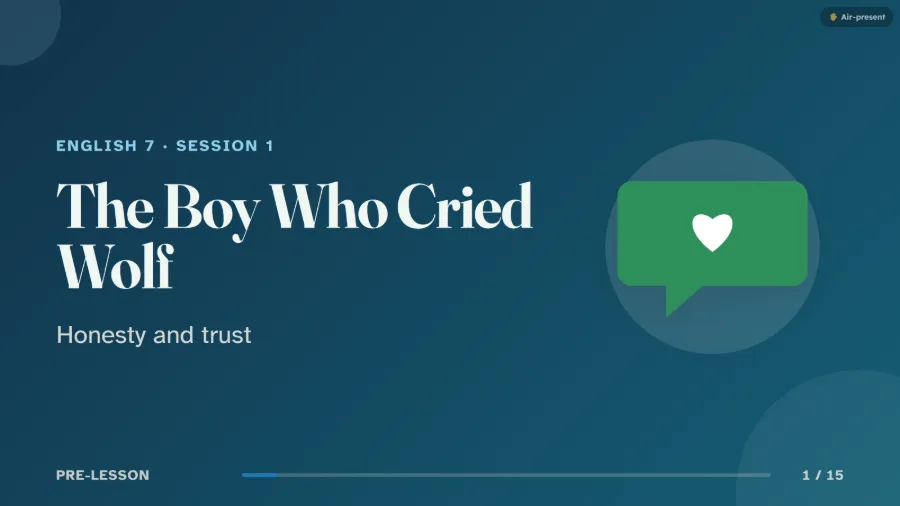 Kalikasan
 Klima
Klima Bayan
Bayan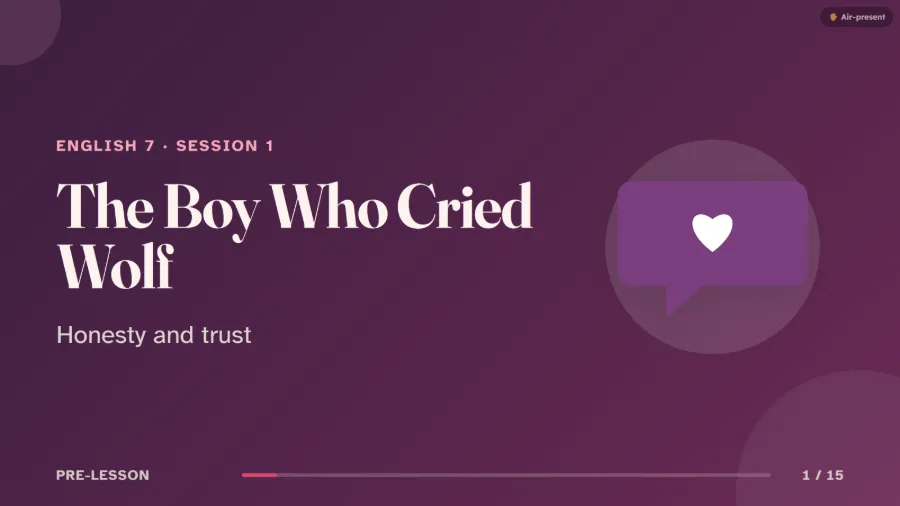 Pagmamahal
Pisara, the slide studio
Edit a slide right on the slide
The slide is large in the middle, exactly as your class will see it. Click anything to change it.
- Add text, shapes, icons, your own pictures and drawings
- Drag to move, pull a corner to resize, turn with the round handle
- Give a slide its own background colour or picture, and make any picture see-through
- Give things an entrance (fade, fly in, rise up, pop or wipe) and each slide a transition
- Undo anything until you save
- Making your own slides uses no tokens, and for now it's free for every teacher
23 review games
Each game is made from the session you choose, for 1 CMS Token, or you write the questions yourself. Every game can also be played on the projector alone, with the keyboard and mouse.
Everyone on their phones 12
Classroom Arena
Live multiple-choice battle on every phone, with streaks.
Palengke
Answer to earn pesos, then pick a basket: a bonus, a double, or a steal.
Jeepney Race
Teams answer to drive their jeepney along the route; first to the last stop wins.
Baha
The flood rises with every question; right answers climb higher. Stay above the water.
Bantay Barangay
Right answers build the barangay’s defenses against waves of trouble.
Lesson Bingo
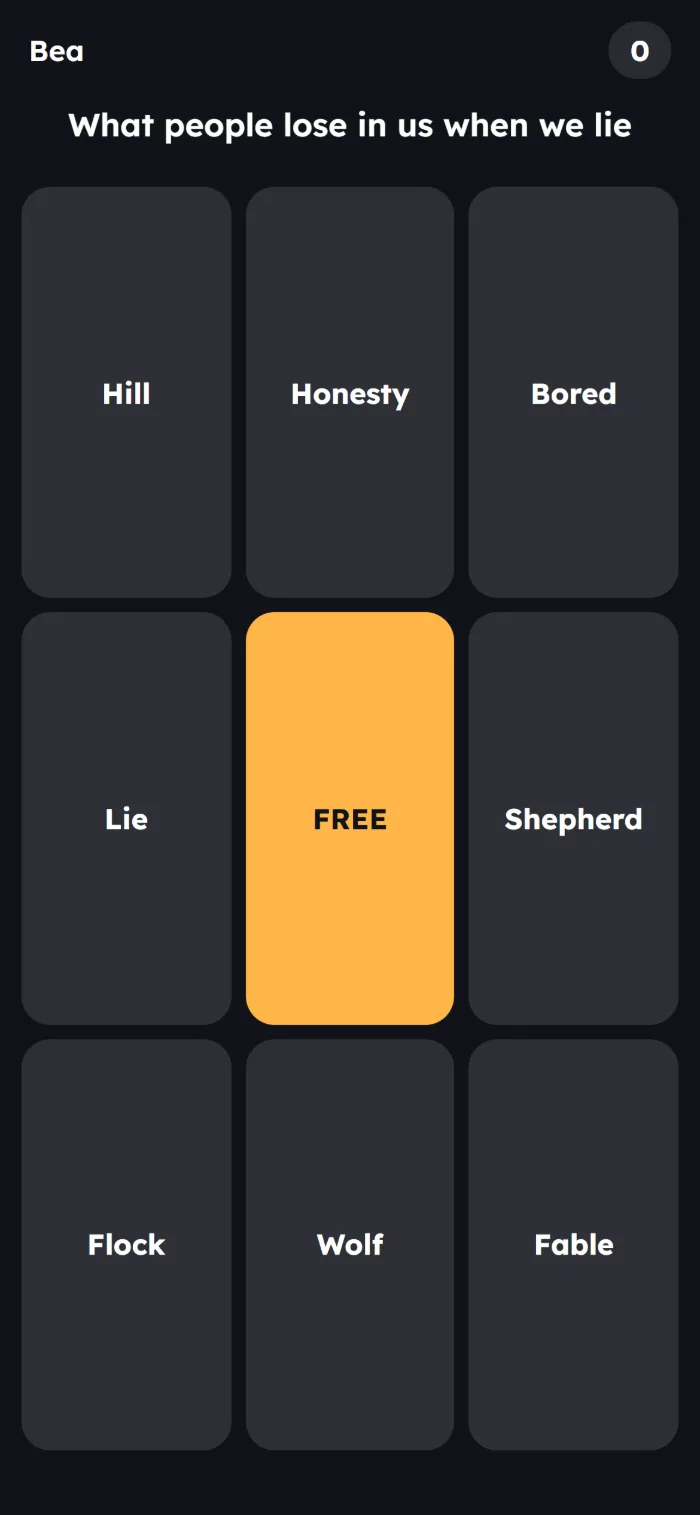
Every phone has its own card: mark the word that fits each clue. Three in a row wins.
Sort Race
Put the steps in the right order on your phone; the fastest right order wins.
Guess the Word
One student holds a secret word; the class asks yes-or-no questions and guesses it.
Draw and Guess
One phone draws the word; everyone else guesses which word it is.
Buzzer Round
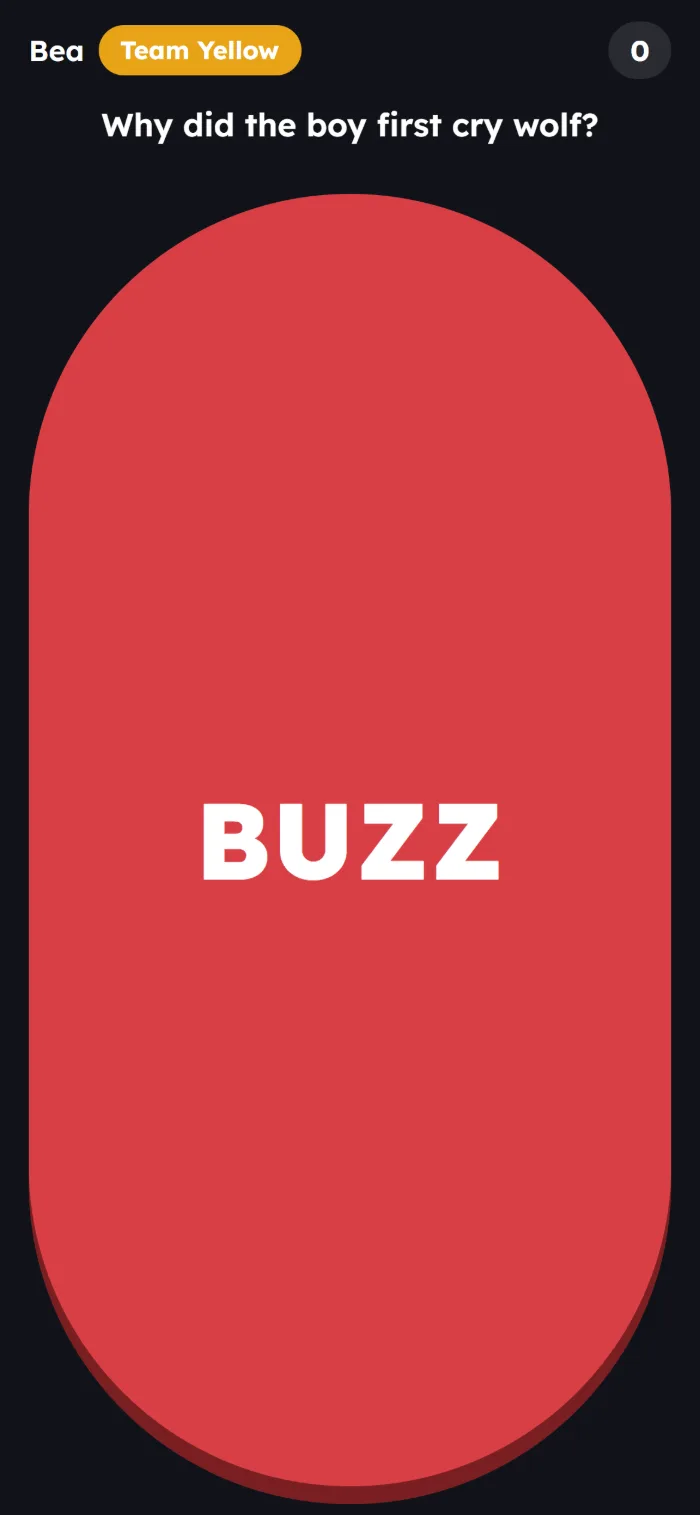
Teams race to buzz in and answer; a wrong answer lets the others steal.
Escape Room
Each team opens lock after lock with right answers, racing to get out first.
Tug of War
Two teams answer; right answers pull the rope to their side.
On the projector 3
Game Board
Teams pick a category and points, then answer the clue.
Money Ladder
Climb the prize ladder one question at a time, with three lifelines. Walk away, or risk it?
Memory Match
Teams take turns flipping two cards to match each word with its meaning.
Moving with the camera 7
Temple Sprint
3-lane runner: run through the lane with the right answer.
Patintero Dash
Get past each line of guards through the gap with the right answer.
Hole in the Wall
Strike the pose of the right answer before the wall arrives.
Stop-Dance
Dance to the music; when it stops, freeze in the pose of the right answer.
Balloon Pop
Touch the balloon with the right answer before it floats away.
Swipe Sort
Swipe each card left or right into the group it belongs to.
Word Boxes
Pinch each word and drop it into the box it belongs in: two or three boxes.
Saying it out loud 1
Voice Blast
Say the answer out loud to blast the right target.
Everyone plays on their own phone
Phones, tablets and computers all work, with no app to install.
- Join with a code
- Students open the address on the screen, or scan its QR code, then type the 6-digit code and their name. Their names pop up as they join.
- Play as one of your classes
- Students join with their student ID, and each right answer is saved to them.
- Games for homework
- Give a game to a class with a deadline. Students play on their own phones, whenever they can, and you see each one's progress.
- See what to reteach
- In Classroom Made Simple, Game results shows every question the class played, with the ones to reteach first.
Safe for your learners
Only the lesson goes to the AI
One session of your lesson plan, and the pictures you added. Learners' names and scores never do.
Cameras record nothing
Camera games read movement right on your computer. No picture or video is uploaded or saved.
Just a first name
In a live game, students join with a first name, or their student ID when you play with one of your classes.
The details are in the Privacy Policy.
Coming soon
Student-Paced Mode: teach once, and let students learn at their own pace
Turn any Pisara deck into a self-paced lesson, with games inside. Built for Philippine classrooms.
Your voice, even when you're not in the room
Students tap a word or picture to hear you, or to see your note, a picture or a video, or to jump to another slide.
One lesson, many classes
Assign it to several classes. Students join by link or code with their student ID and last name, and pick up where they left off.
Due dates, your rules
Work after the due date is marked late. You choose the attempts, whether they can skip ahead, and whether answers show.
Made for weak signal
A low-data mode, progress that's kept as they go, and read-aloud.
Know exactly who needs help, and how to help them
Reports and item analysis, and AI suggestions for interventions, sent to Intervention Mode.
Not available yet. We'll announce it here when it's ready.
What CMS Tokens are for
CMS Interactive isn't for sale yet. Every account gets a few CMS Tokens a month (3 on Free, 9 on Pro), and making your own slides in Pisara is free for now.
| A session's slides, made by the AI | 3 tokens |
|---|---|
| A game, made by the AI | 1 token |
| Slides and games you write yourself | Free |
| An AI turn that fails | Free |
Questions about CMS Interactive
Is it really free from November 2 to 15?
Yes, for every teacher with a Classroom Made Simple account, school accounts too. There's nothing to sign up for: choose Interactive in the app's menu. The AI is limited: 50 AI tokens to use by November 30, up to 10 a day. After November 15, everything you made stays yours, and live phone games and camera games need CMS Interactive again.
What do I need in the classroom?
A computer with a browser, connected to a projector or TV. For phone games, students need phones with internet. For camera games, a webcam. Every game can also be played with just the keyboard and mouse.
Do I need a lesson plan in the app?
No. Start blank slides, or begin with a slide from the library. For the AI to make a session's slides, it needs a lesson plan you wrote in Classroom Made Simple. For a game without a plan, make a game set and write the questions yourself.
Can I change what the AI made?
Yes. Edit any slide in Pisara and any game's questions. The AI asks before it replaces slides you wrote or edited.
Is there a free way to try it?
Yes. The sample lesson has ready-made slides and games, with no sign-in. Making your own slides in Pisara is free for every teacher for now. Every account also gets a few CMS Tokens a month (3 on Free, 9 on Pro) and its first 5 games written by hand, free.
What if I run out of tokens?
Your tokens come back at the start of each month.
What is Student-Paced Mode?
It's coming soon: self-paced lessons made from your Pisara decks, with games inside, that students do on their own phones. See Coming soon.
See it with the sample lesson
The Boy Who Cried Wolf, with ready-made slides and games. Present it, then play it.